The other three rotations of the example exam have the same structure as Morning - Blue, only with other content. Instead of starting again, you duplicate the first rotation: it acts as a blueprint.
Video: Duplicating rotations (2:00)
Duplicate the Rotation
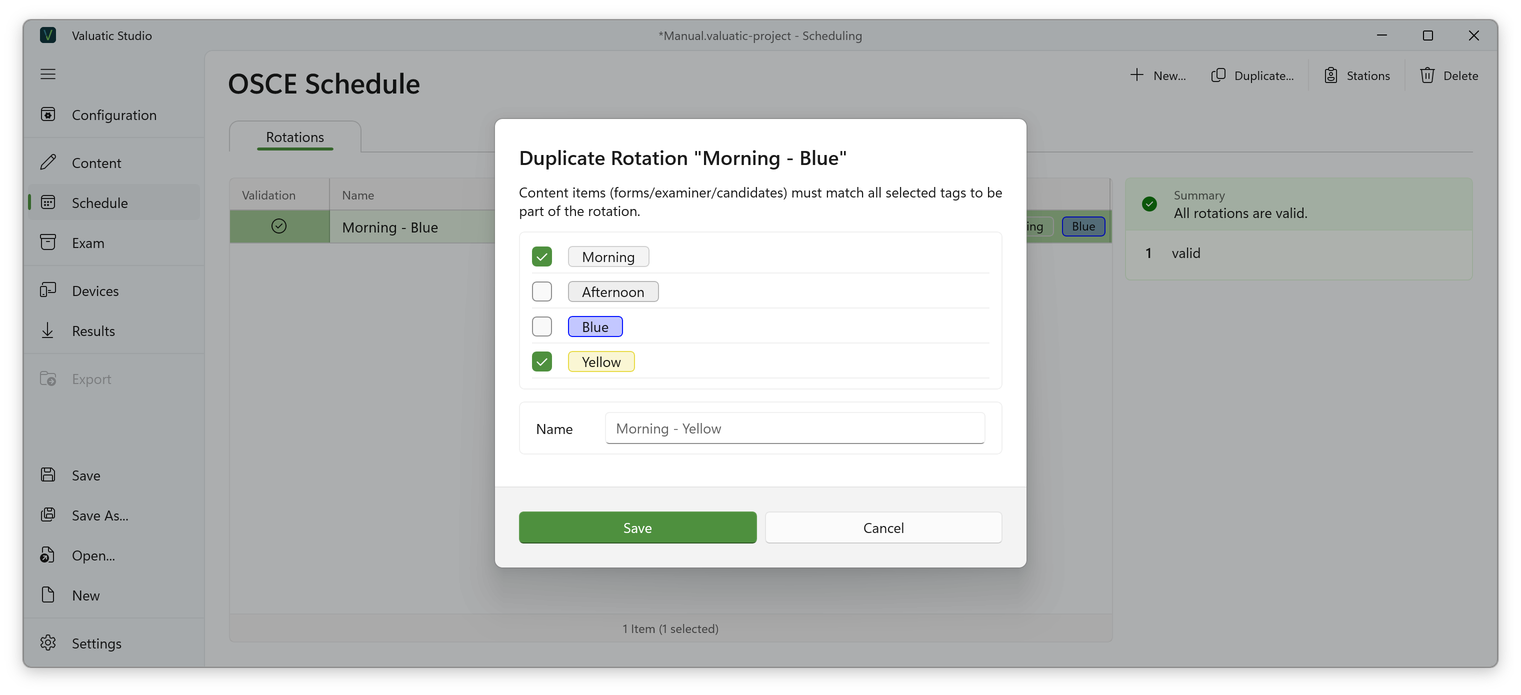
- Select Morning - Blue in the rotation list and click Duplicate….
- Select the tags of the new rotation: Morning and Yellow. The name is suggested again.
- Click Save.
The stations, breaks and the ghost candidate are copied.
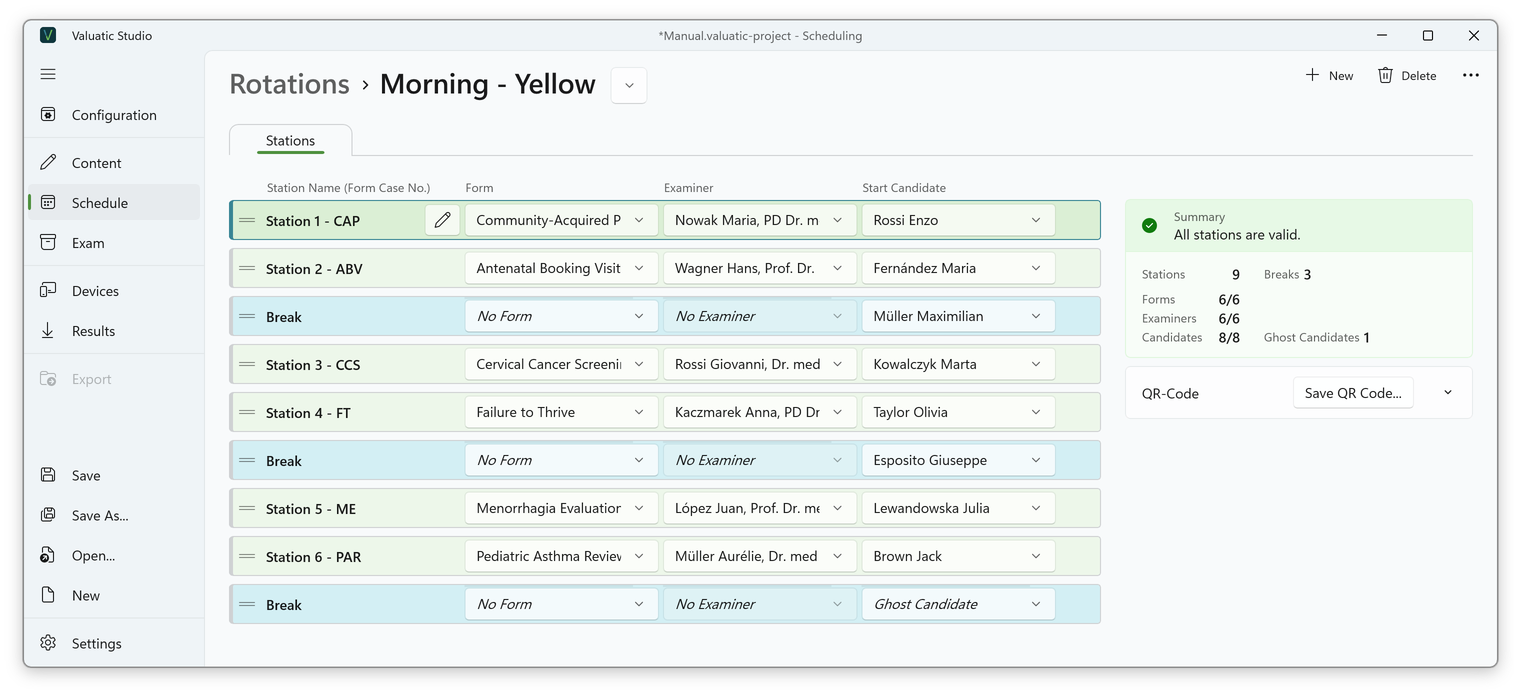
The new rotation has the same station setup. The forms are the same, because the morning forms belong to both colours, but the examiners and candidates are now the yellow ones, again in their order.
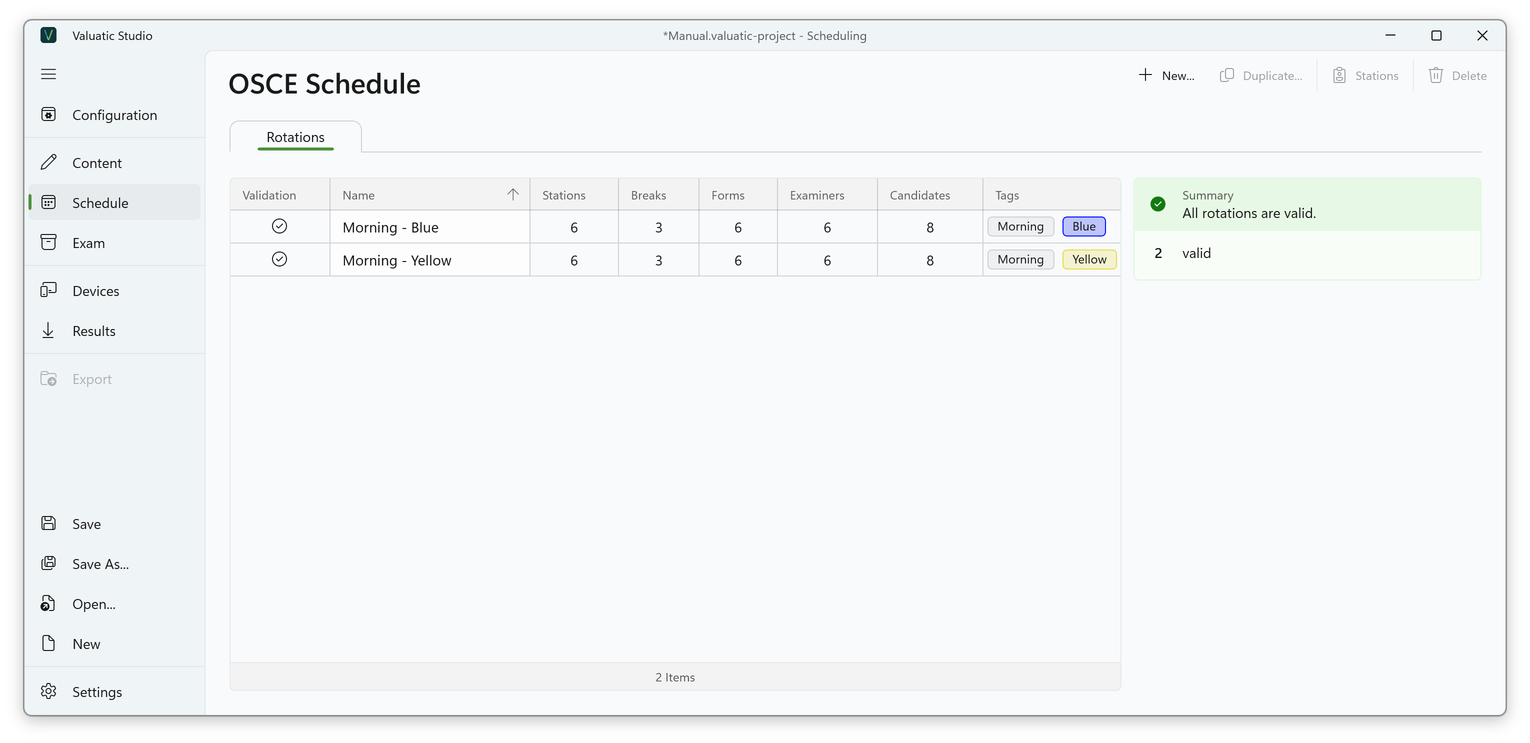
Back in the overview, Morning - Yellow appears next to Morning - Blue, with the same number of stations and breaks.
The Afternoon Rotations
A rotation can be duplicated even when none of its forms, examiners or candidates match the new tags. The content with the new tags simply fills the copied structure.
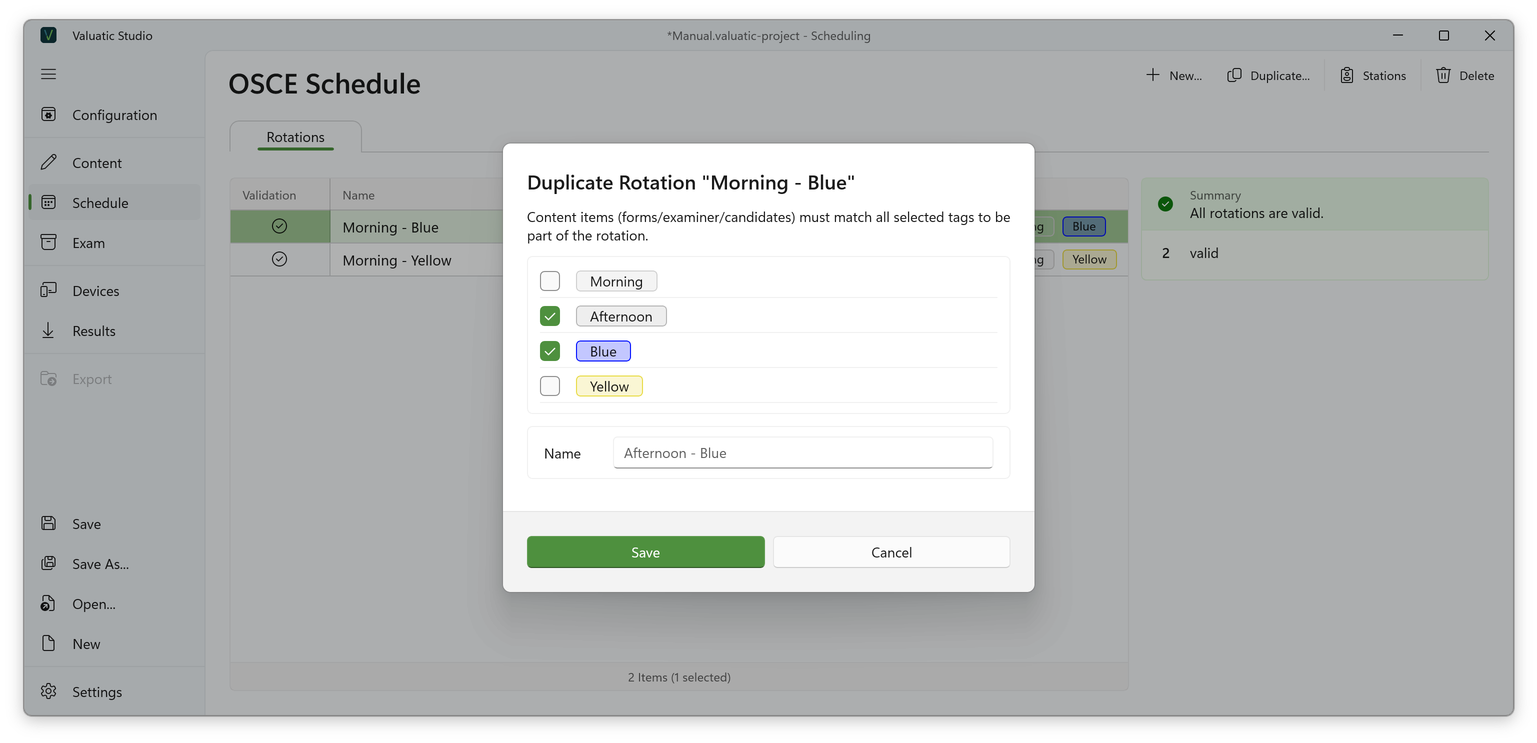
Duplicate Morning - Blue twice more, with Afternoon and Blue, and with Afternoon and Yellow. The afternoon forms fill the same structure.
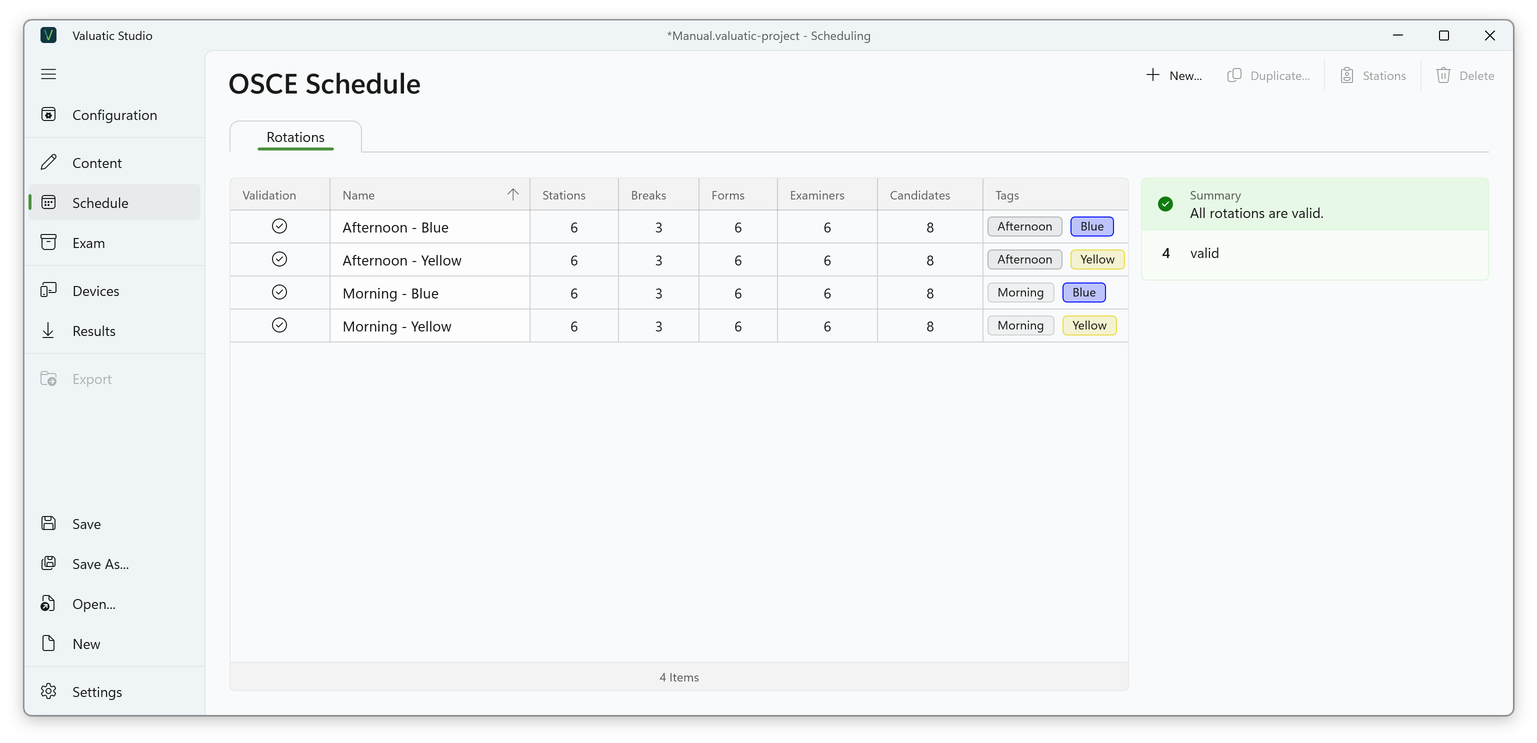
All four rotations are in place, each with six stations, three breaks and a ghost candidate, and the summary reports that all rotations are valid.
Only the first rotation was generated and adjusted. The other three were duplicated with other tags, without moving or adding a single break station. 🚀
Next: Perform the Exam