Scheduling is set up on the Configuration screen: the Scheduling tab activates the feature, and the Tagging tab defines the tags that describe the structure of your exam.
Video: Preparing the content (3:26)
Use Scheduling
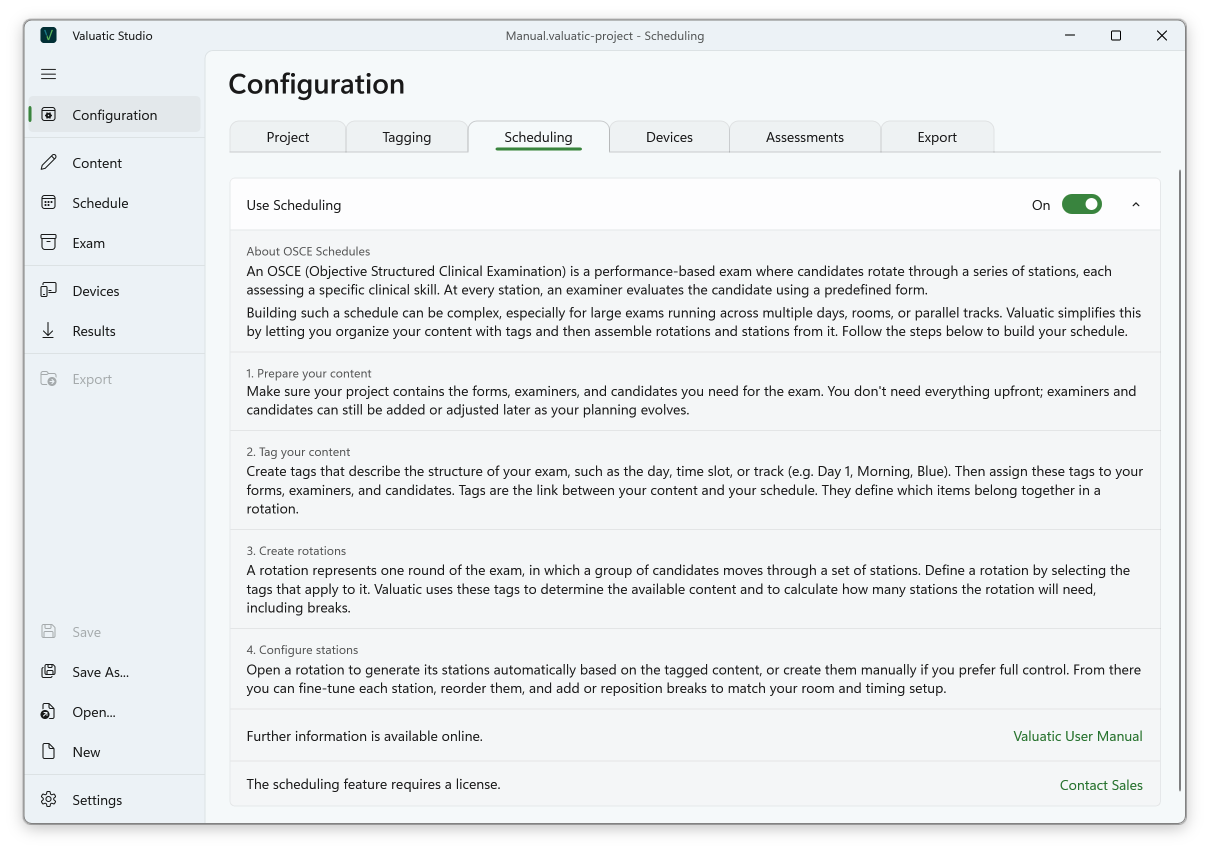
Scheduling is activated on the Scheduling tab of the Configuration screen with the Use Scheduling toggle. This also turns on tagging, and the Schedule screen appears in the navigation on the left-hand side.
Tags
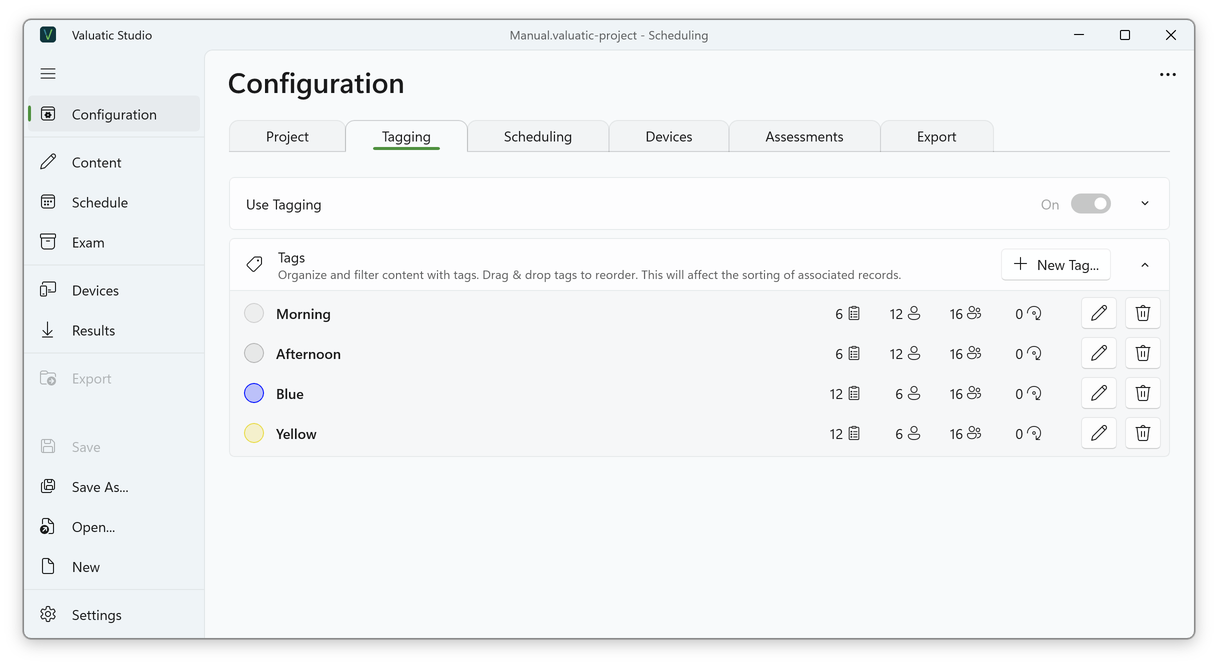
Create tags that reflect the structure of your exam on the Tagging tab of the Configuration screen, such as the session, the day, or the track (e.g. Morning, Afternoon, Blue, Yellow).
- A tag can have a colour, which makes it easy to recognise in lists.
- The order of the tags is used for sorting and for the suggested names of the rotations. Tags are reordered by drag and drop.
- For each tag, the list shows how many forms, examiners, candidates and rotations use it.
Note: Which tags your exam needs is described in Planning the Tags.