The scheduling feature has not been released yet — it will be available with Valuatic 4.0.
This documentation is preliminary and subject to change.
Subscribe to our newsletter to get notified when it becomes available.
When the exam uses Scheduling, the Schedule section allows the administrator to limit the stations shown on this device. It replaces the Settings section of exams without scheduling.
Video: Station visibility (1:24)
Station Visibility
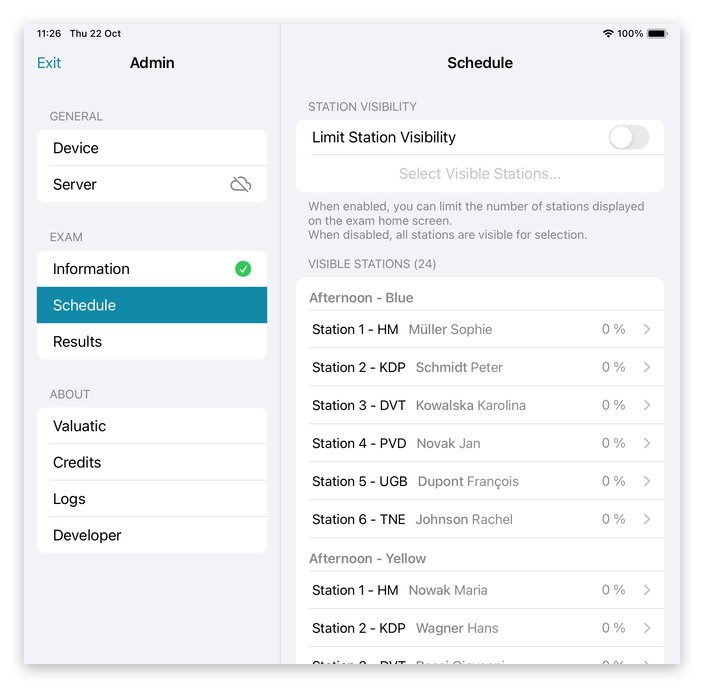
By default, every device shows all stations of the exam. The list below shows the visible stations, grouped by rotation, with their examiner and progress.
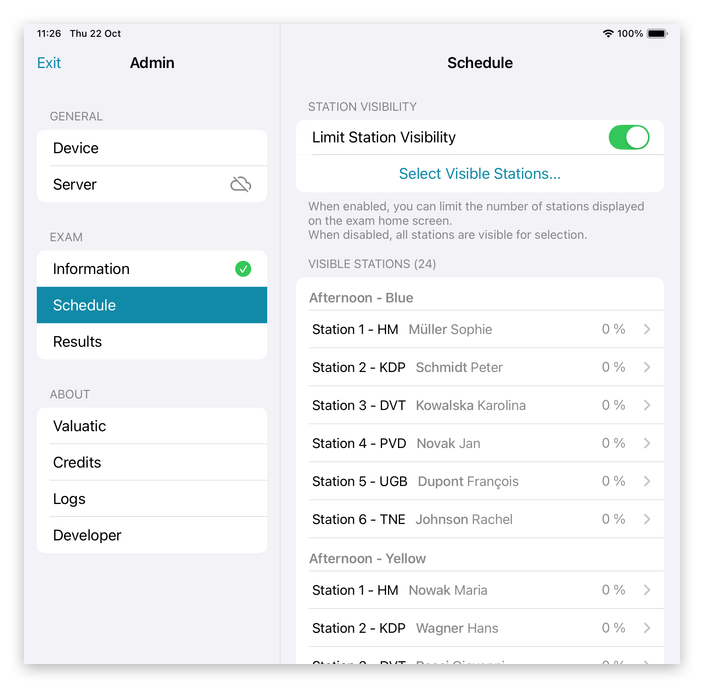
Switch on Limit Station Visibility, and choose the stations with Select Visible Stations….
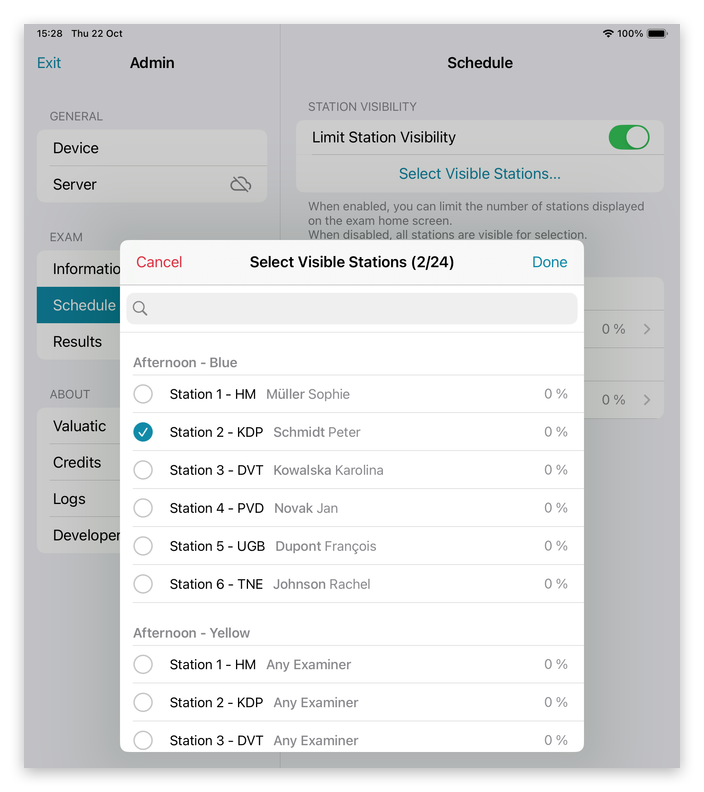
In the list, tick the stations this device should show, and tap Done.
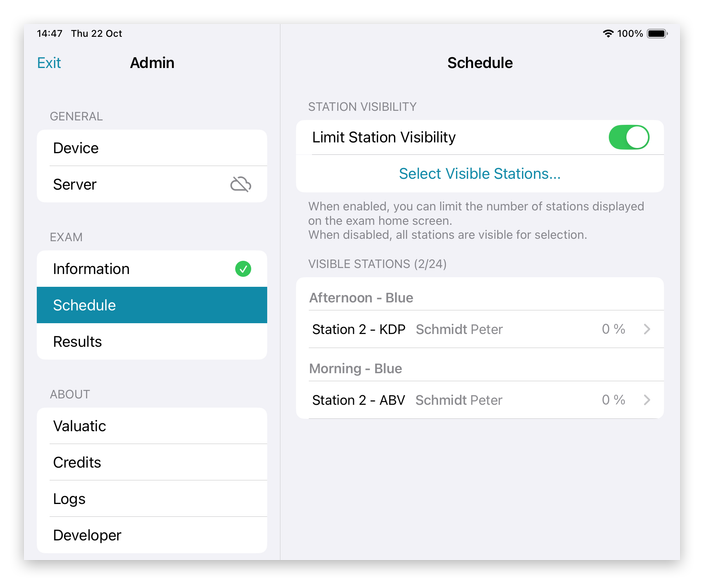
Now only the selected stations are listed, in the example the two stations of Schmidt Peter: Morning - Blue and Afternoon - Blue.
Note: Here too, tapping a station in the list selects it on this device and closes the admin area.
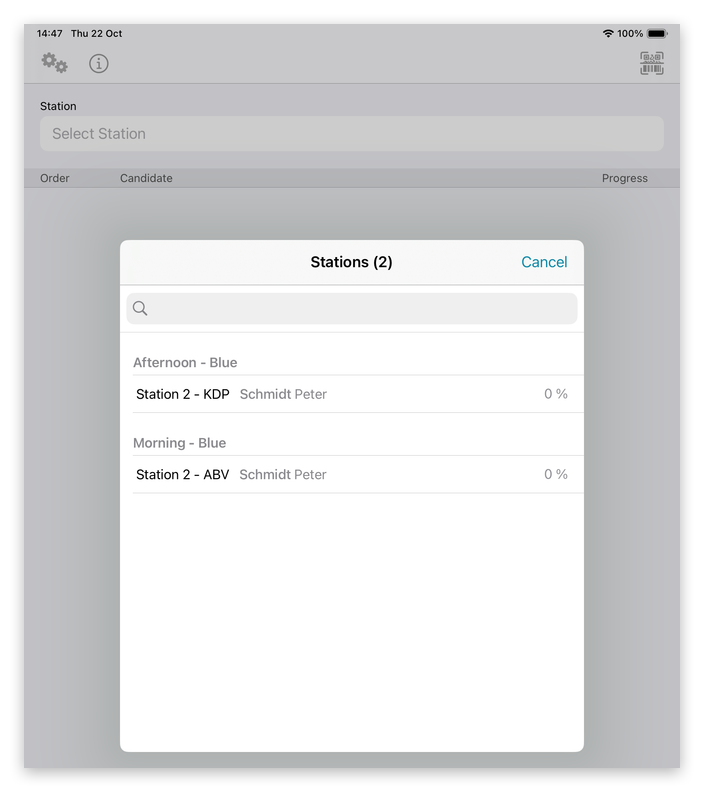
On the exam screen, the examiner now only sees these stations when tapping Select Station, so the wrong station can hardly be picked.