The scheduling feature has not been released yet — it will be available with Valuatic 4.0.
This documentation is preliminary and subject to change.
Subscribe to our newsletter to get notified when it becomes available.
The scheduling feature lets you plan OSCE exams: forms, examiners and candidates are assigned to rotations and stations, and the examiners follow this schedule in Valuatic Touch.
You can find more detailed information about this feature in the Scheduling section of this manual.
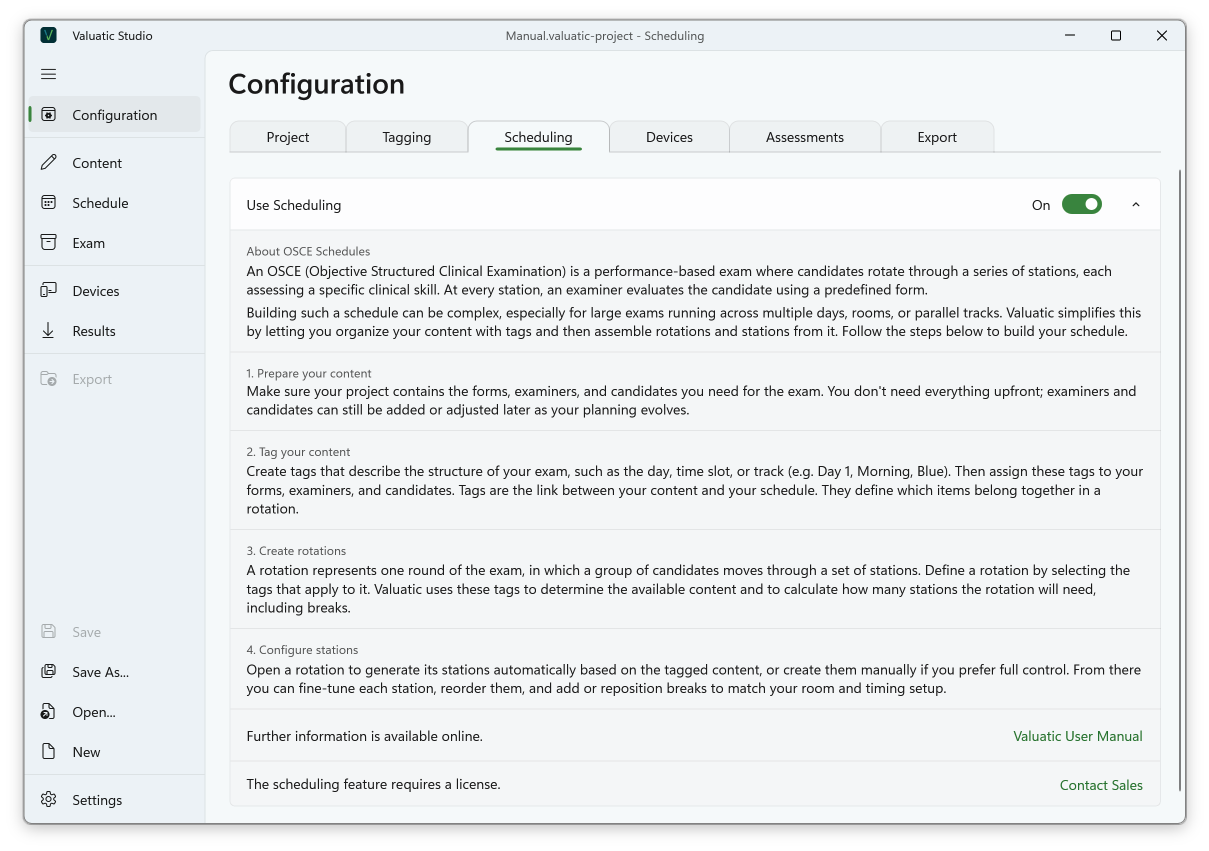
Use Scheduling
Scheduling is activated with the Use Scheduling toggle. This also turns on Tagging, as the rotations are configured with tags, and the Schedule screen appears in the navigation on the left-hand side.
Below the toggle, a short introduction explains OSCE schedules and the four steps to build one: prepare your content, tag your content, create rotations, and configure stations. These steps are described in detail in the Scheduling section.